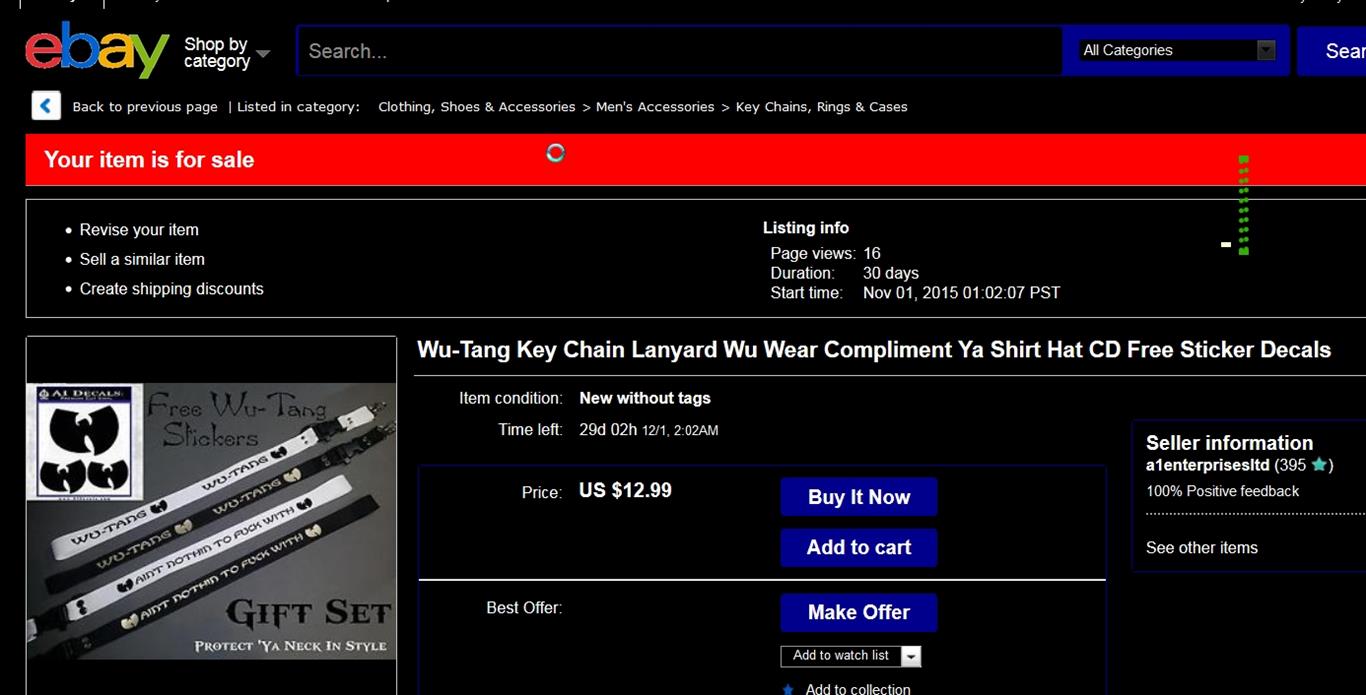
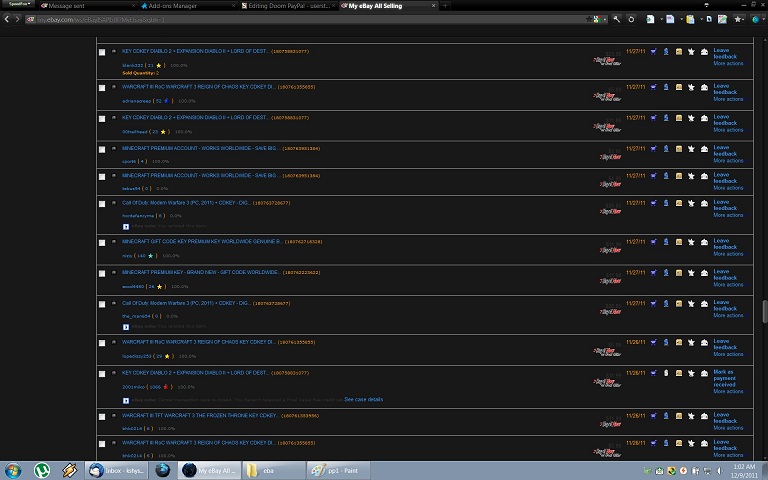
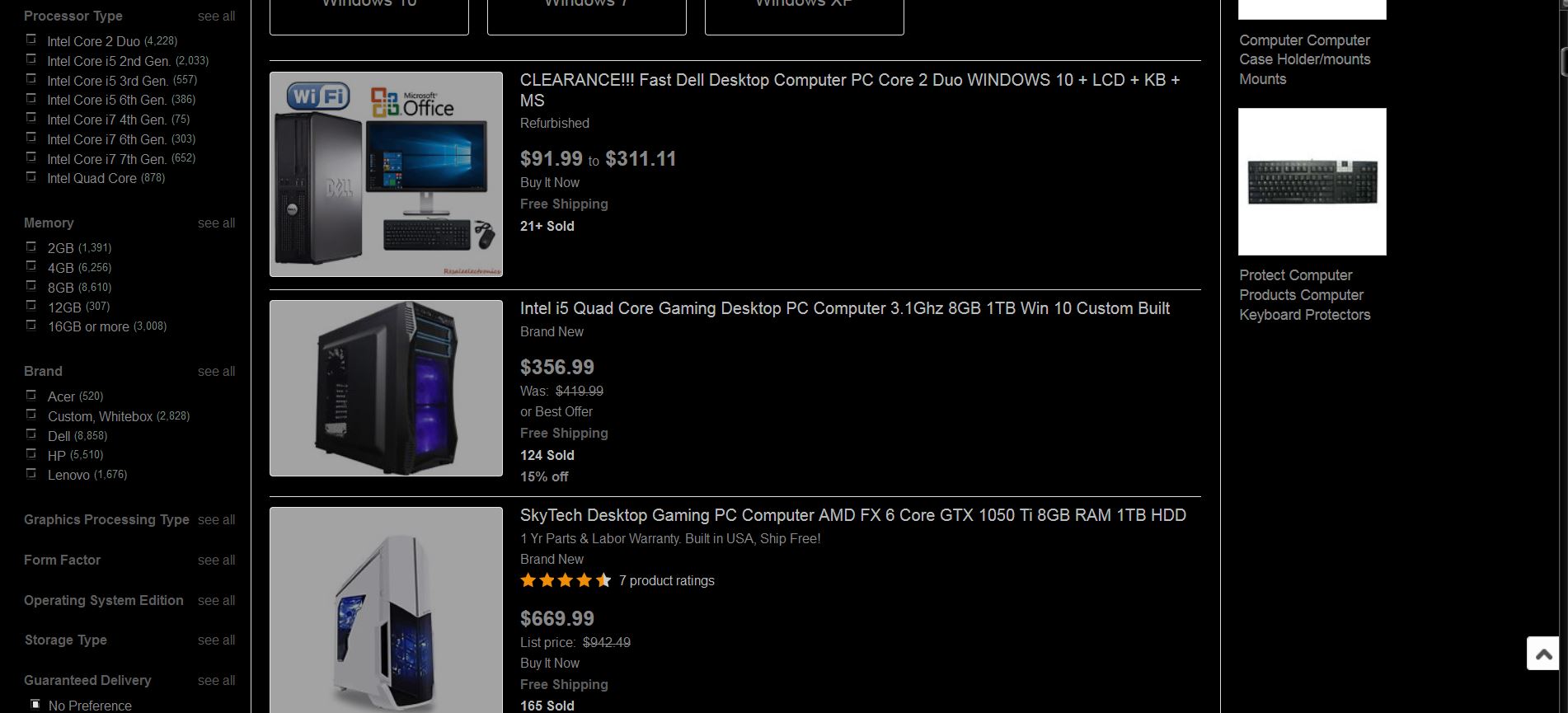
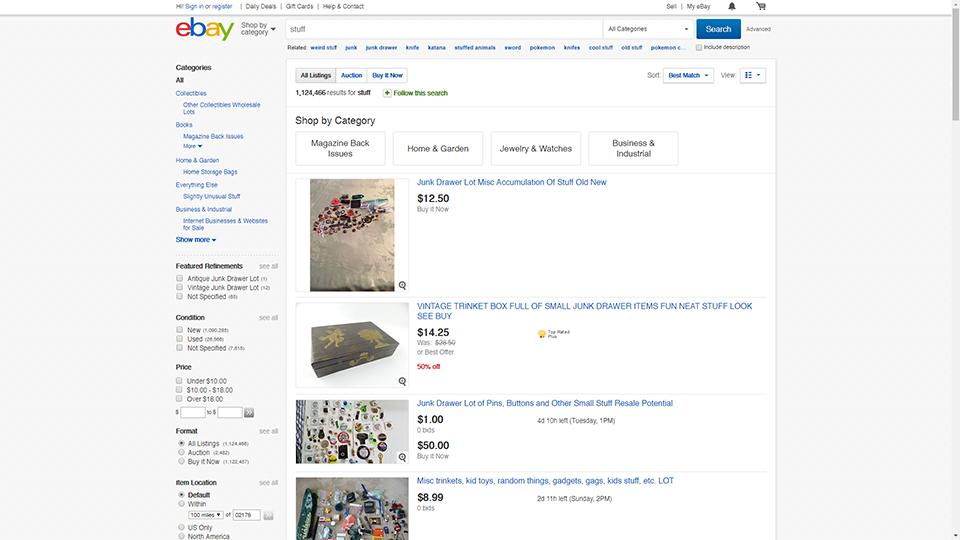
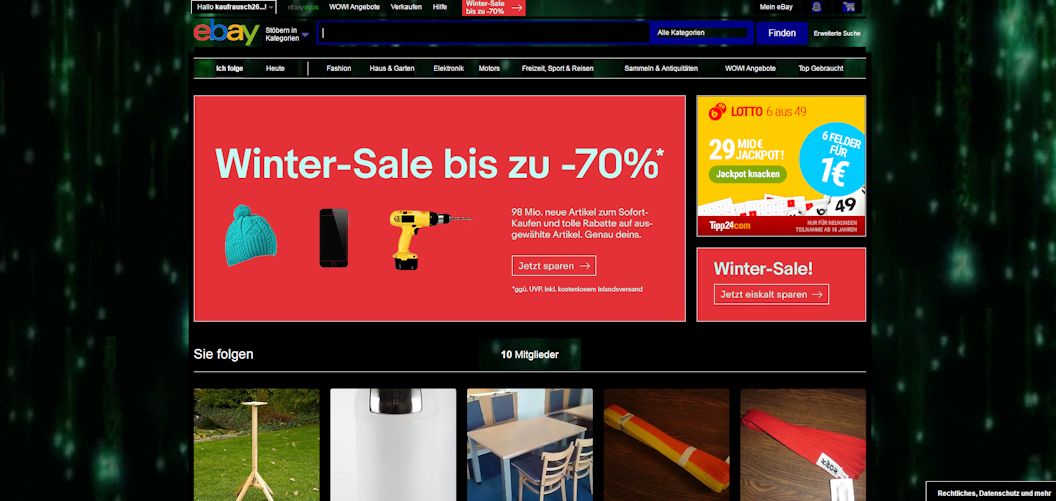
Ebay black redesign. black background. updated screenshot is poor quality, it just has a grey background behind the black main center area.
no ad boxes and matching light gray background
Fx only. Works, see the pic. The site is a pain to style, i can't believe the amount of time i've spent on this! Kept the layout, mostly changed colors to something less irritating. Since my use of the site is very limited, there still will be things that need styling, i'm sure. But at least i got rid off that white pancake in your face! Should you see something that needs work, give me a link and i'll see what i can do (no rating is needed in this case).
Dieses Format versucht, die inzwischen untauglich gemachte Suchformattieriung der eBay.de Suchergebnissseiten mit dem ehemaligen, besser leserlichen Format ausutauschen. Bitte Kommentar auf dieser Seite hinterlassen, wie das Format verbessert werden kann. (Insbesondere ist das Blocken von Werbung etwas heikel, denn eBay wechselt diese div-IDs ständig aus.) Danke! kreiert/getestet mit MacOSX, Firefox 2.0.0.6 30 Aug 2007: um das stark Gelbe links und oben zu vermeiden, folgendes dazu eingeben: #matchcats .matchcatecontent {background-color: #efefef !important;} #basicsearch div {background-color: #fff !important;} #buyingguides .buyingguidescontent {background-color: #efefef !important;} #searchoptions #srchOpsDiv {background-color: #efefef !important;} #productfinder {background-color: #efefef !important;}
A lot of eBay pages written by users display very odd font sizes. This sets all tags to use a given size, here it's 11pt. You can change this in a heart beat. Note that eBay's pages size fonts with css contained in tags or elsewhere, but without using tags, so this should only work to make readable the user-written sections of pages served by ebay.com without affecting eBay's parts of the page. Update handles header 1, 2, 3 in a sane fashion. Kills tags, eeew! more scrolling nonsense while I'm trying to spend some money. Also deals with and in a reasonable way. As always, corrections based on countering BAD STYLES that I have encountered in common use! Updated 2007.07.06: Fixed issue -- brace out of place somehow pushed css into global scope. Added paragraph-width restriction: It's really hard to read very long lines of text /..
Hopefully this will make reading the eBay forums a little easier on your eyes. It also gets rid of the right-hand column to give more forum space. Was made for the UK eBay site on a 1028x768 screen. But should work with any other eBay forums too if you add your site to the list of domains in the first few lines. This has been done with with the German, US, Canadian and Aussie forums already.
The newly redesigned eBay search was killing my eyes with its white white glare. This very simple correction adds underlines to the links and an alternating shading on the list of items, just like the "old" search design. It doesn't correct the new page layout (i.e., larger left-hand sidebar menu). 08.26.07: changed domain of coverage from search.ebay.com to ebay.com / cgi.ebay.com in order to cover all advanced searches, title & description searches, subcategories, etc. 08.27.07: changed greyed-out text (# of items found, item subtitles, custom display columns) to solid black 30 Aug 2007: To eliminate the bright yellow background on the sidebar and top searchbox, add these lines to your style: #matchcats .matchcatecontent {background-color: #efefef !important;} #basicsearch div {background-color: #fff !important;} #buyingguides .buyingguidescontent {background-color: #efefef !important;} #searchoptions #srchOpsDiv {background-color: #efefef !important;} #productfinde
This is useful on forums when someone adds too large of an image. This is setup for the ebay discussion boards but the top and bottom line could be removed so it is for all sites.