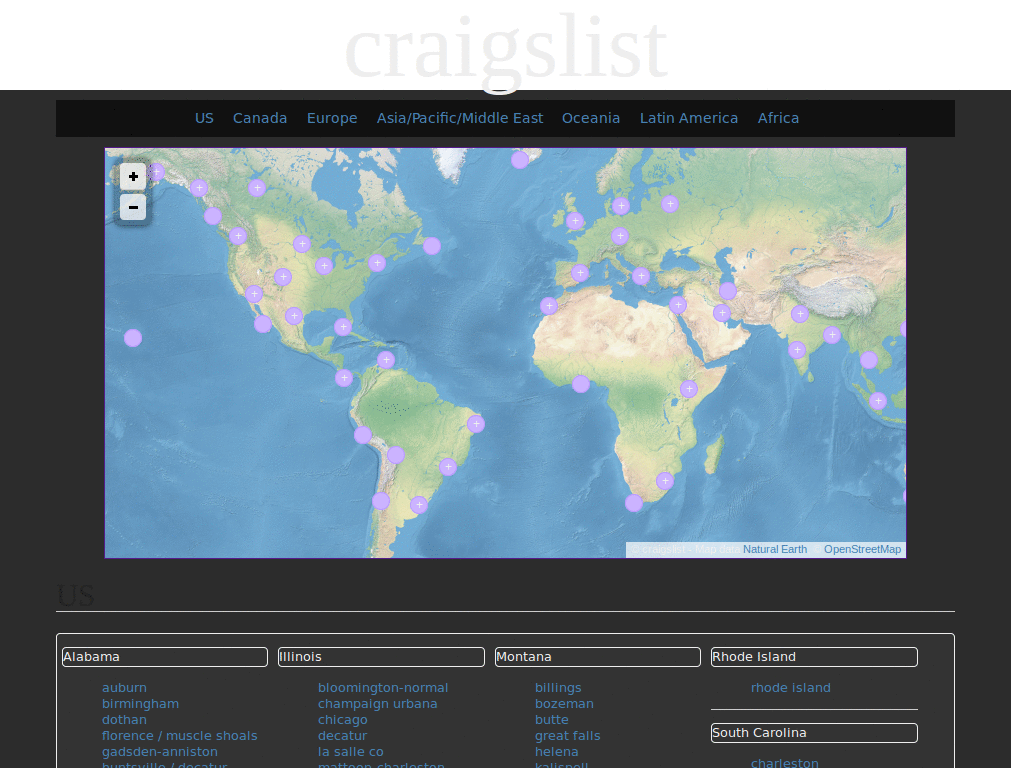
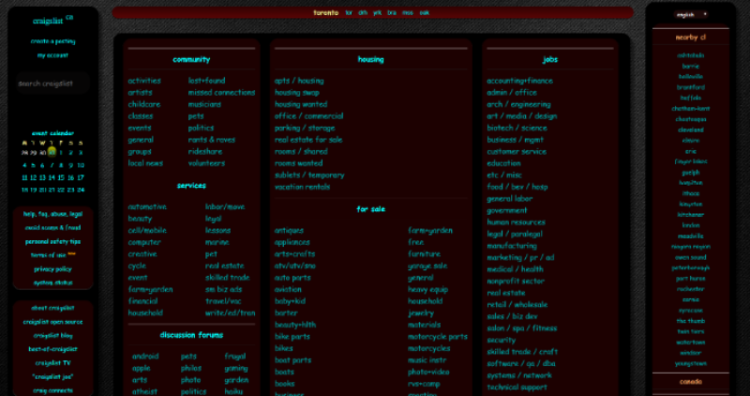
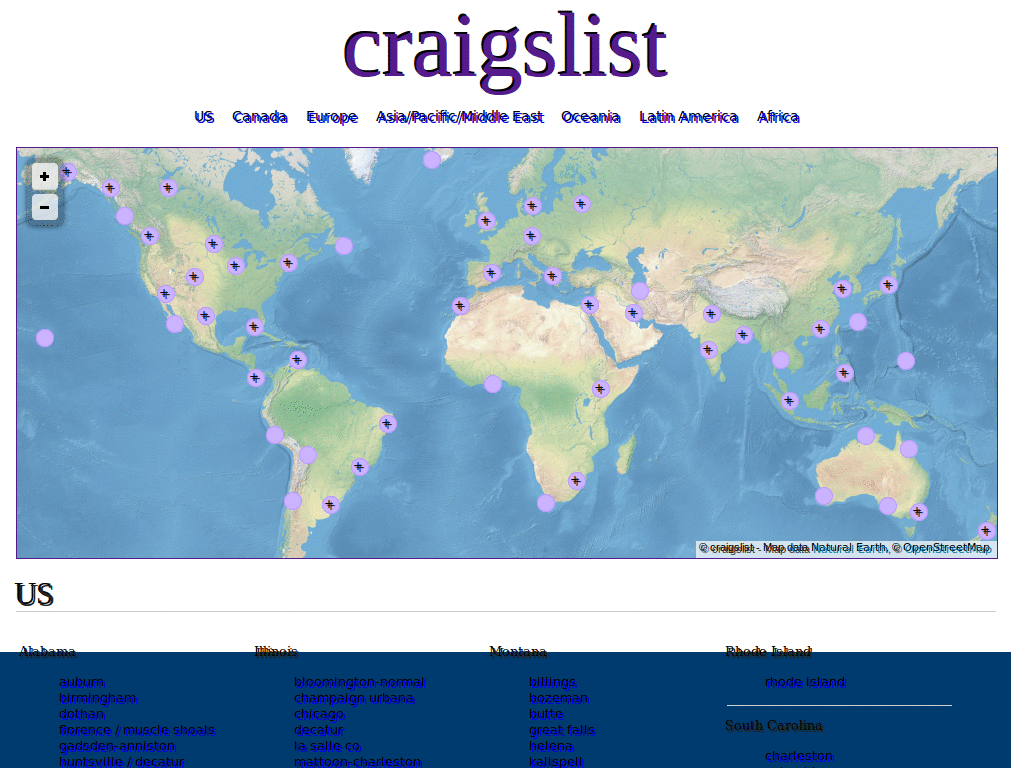
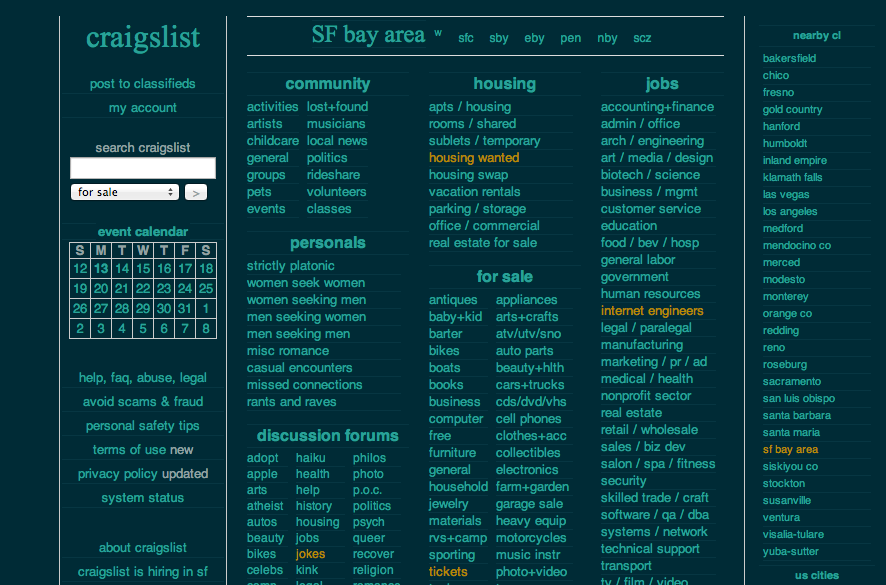
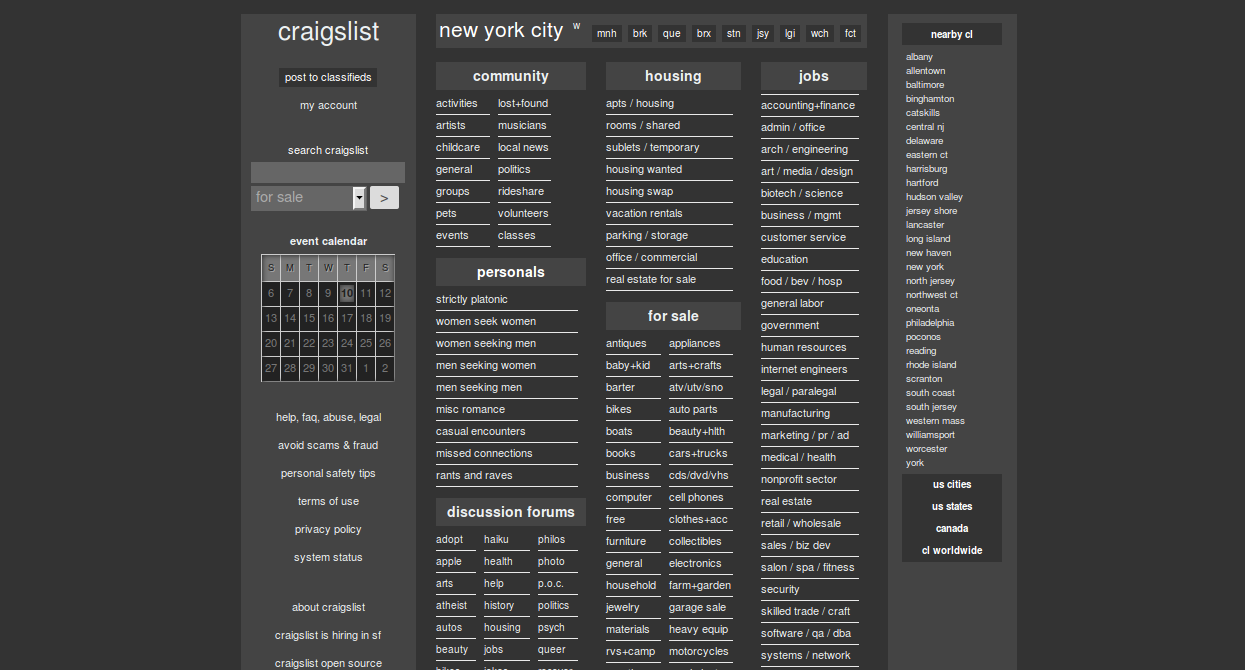
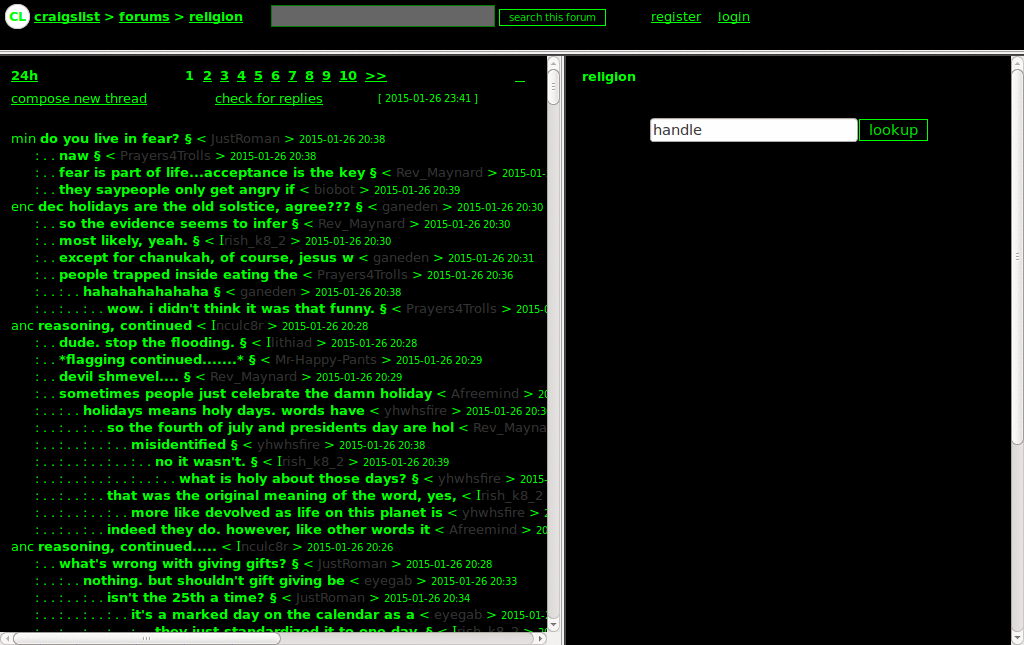
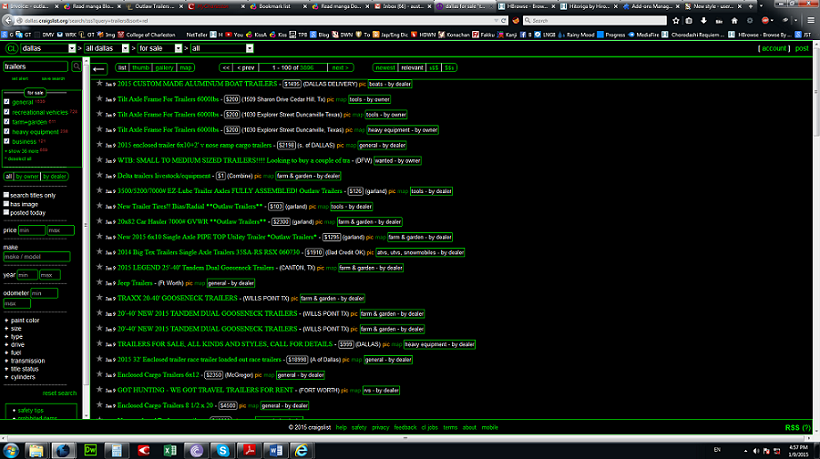
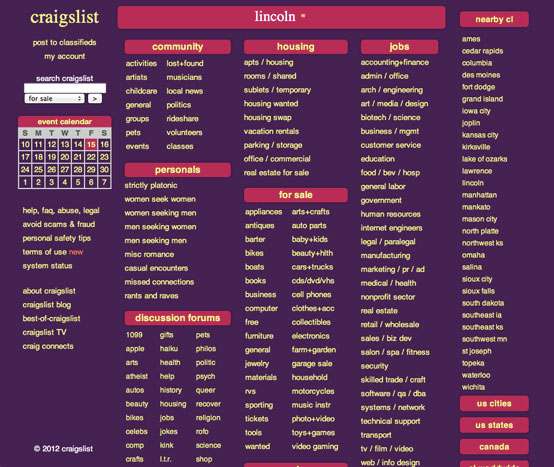
Makes Craigslist look like my other Dark Shiny Blue themes. Also centers the content rather than have it left-aligned on the screen. Become a fan of my themes on Facebook: http://tinyurl.com/qy2y23 10/4/10 - Removed light gray borders, fixed right side bar 11/22/09 - Set visited gray links to be a darker gray (suggested by Amber) 11/6/09 - Tweaked a few things, added glow to img hover in postings 9/8/09 - Fixed "Email this posting to a Friend" screen; Warning message (Font size +3) size set to fit; Choose location (from State); a bunch of other things (including fixes)
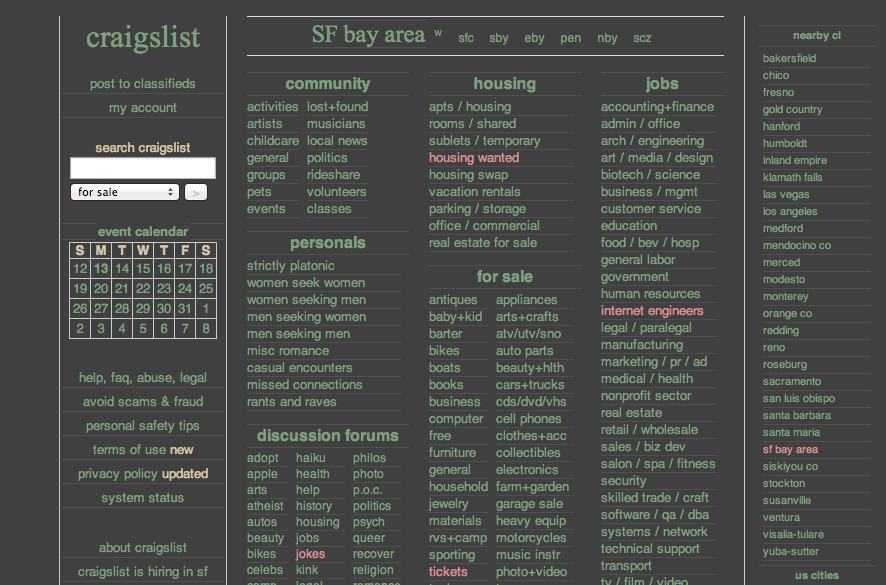
v 1.1 edited visited links for better contrast v 1.0 Easy on the eyes: black background, gray text, ice gray links
Reskinning of Craigslist, still ongoing. I REPEAT!!!! Still Ongoing... Feel free to snatch it but more changes will be coming. Most importantly.... please drop comments as to its short comings. Also provide links of pages that are f'd up.
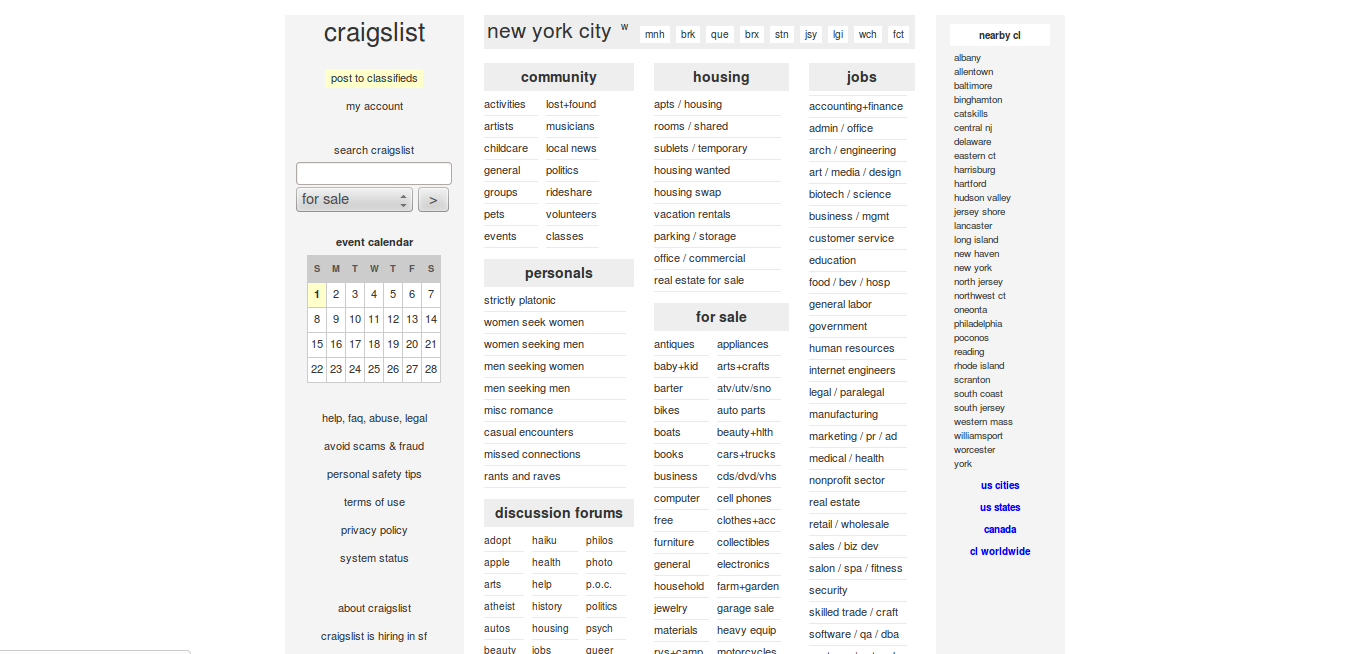
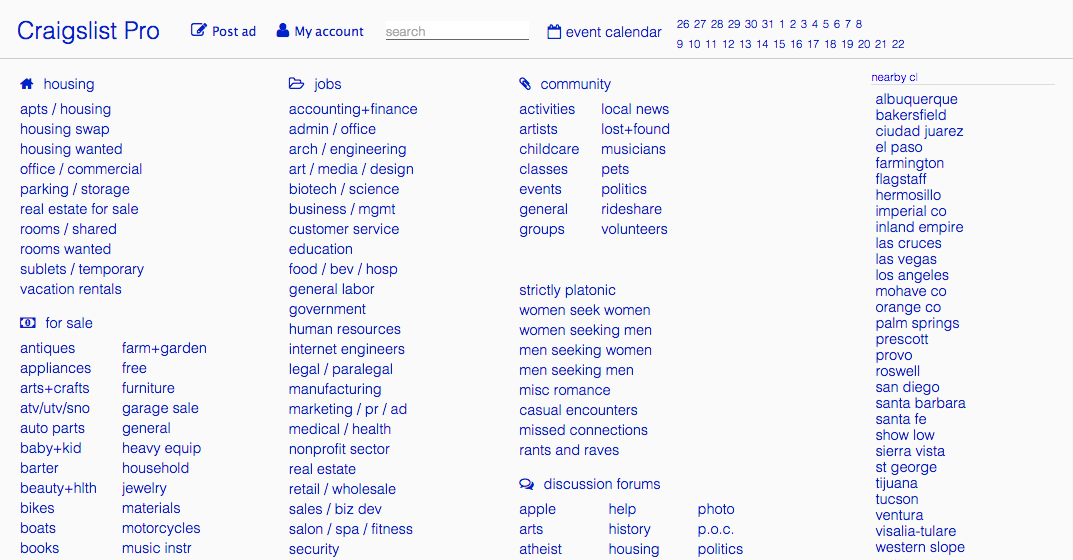
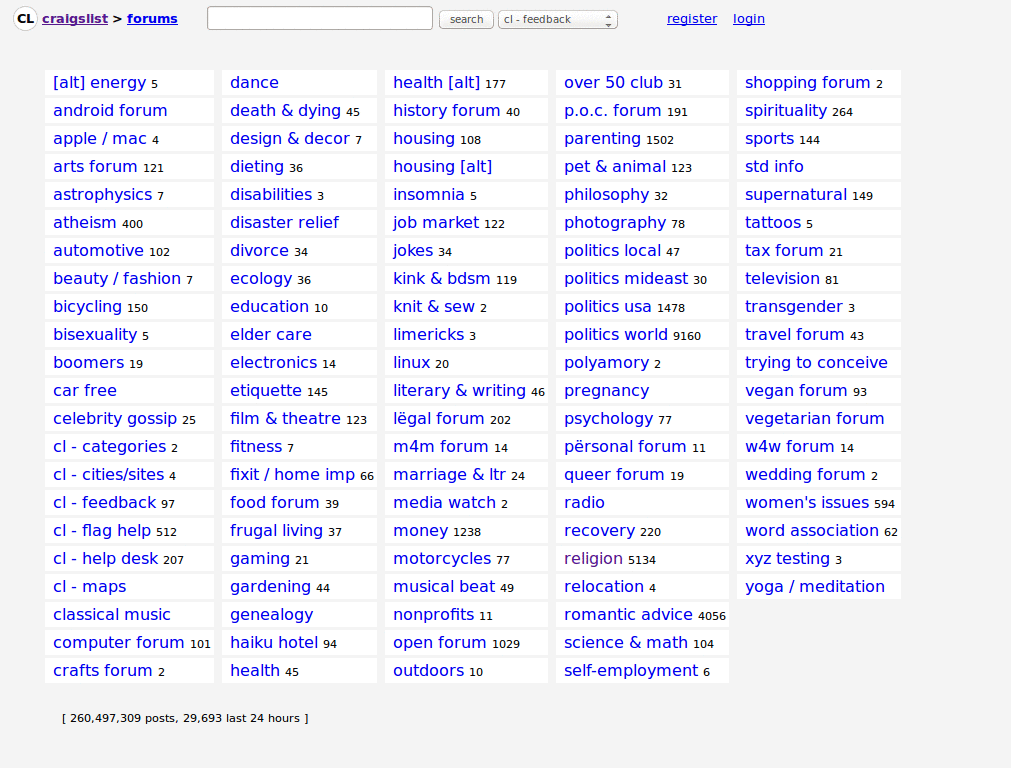
This is a full-site user style that aims to pretty up all sections of Craigslist. I attempted to address every detail of the site, in order to provide a more legible and aesthetically pleasing experience. At the same time, I preserved much of the basic style of Craigslist. Don't expect anything too radical. It's still gray/white background, blue links. * Default font is changed from the browser-default of Times New Roman to Helvetica Neue/Arial. * Extra spacing and a greater leading has been added for better legibility. * Front landing pages have been tidied up and is now presented in three columns. All those tiny blocks are gone. * Perhaps the biggest difference is that Table-of-Contents and Listing pages are now only 700px wide. This setting greatly improves legibility for long blocks of text. However, any listings that employ in-line styling with a custom width might have content that extends outside the new skinnier width. Last updated 10 Aug 2009
This style provides a much sleeker and cleaner look for craigslist.org. I'm a regular user of the site, and I really dislike its default look. When I found the stylish firefox extension, I decided to do something about it. You can modify the code however you see fit, and I welcome suggestions and reviews. Have any questions? Visit my site at huntsvillecomputerdoctor.com and send me an email.
This makes Craigslist a lot easier to view. I have made a few more changes. I noticed there were a few things I missed and have added. Also added some shadows under the headers. Hope you like please comment...
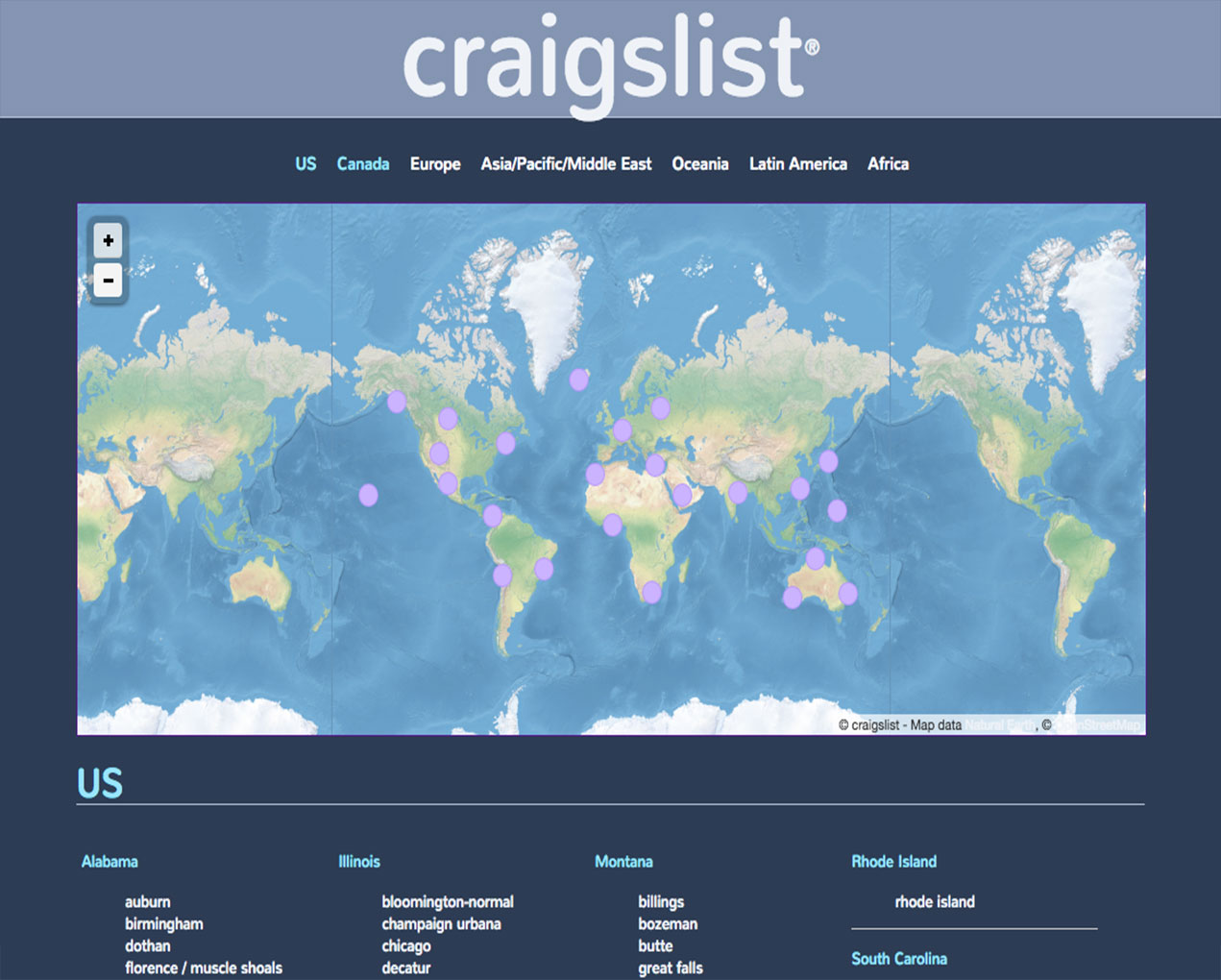
Title: Craigslist Greenlist Author: Ryan Thaut Website: http://www.rynostudios.com Last revision: May 4, 2009 Description: This is a complete rewrite of Craigslist Comprehensive Clean-up by nemoorange. The color scheme in inspired by an article by Smashing Magazine. Notes: The following lines contain code to cause the "Location Homepage" to stretch to 1200+ pixels wide. Simply remove these lines to cause the "Location Homepage" to shrink to about 960 pixels. - 1249 - 1439
Dark themed Craigslist with hint of steel blue...Simple Hover Effects...Uses -moz-linear-gradient so FF 3.6+ needed, although I did leave comments to uncomment the gradient and left code to use a simple background for those not using FF 3.6+... 9/8/10 -- Set font color to off-white in description area. Fixed added right column to match rest of front page. Derived from http://userstyles.org/styles/8786 as I thought this is a good style...I did add quite a bit more to it and obviously changed the color scheme... Before/After pics are set to this style...
Hide any section on Craigslist's site that you don't care to see. Works well with Stylish's "Craigslist Comprehensive Clean-up" [http://userstyles.org/styles/12729] and Greasemonkey's "Craigslist Post Preview" [http://userscripts.org/scripts/show/32584] Note: 1) re "Craigslist Comprehensive Clean-up", if you'd like the ad listing to be left-justified, edit style by changing the margins under both ".toc blockquote" and ".bchead": margin: 0 20px !important; /* WAS margin: 0 auto !important; */ 2) re "Craigslist Post Preview", if you prefer white background vs. default grey and with thin black border. Edit script to: var NEW_DIV_CSS_TEXT = "position: absolute; top: 10px; right: 10px; display: none; z-index:1000; " + "width:690; font-size: 85%; background-color:white; padding:20px; overflow: auto; " + "border: 1px black solid"