(No screenshot available)
| Author | war59312 |
|---|---|
| Created | Dec 31, 2008 |
| Updated | May 7, 2011 |
| Installs (this week) | 0 |

| Installs (total) | 997 |
Video only on tnaflix.com, yum yum, much better...
More Info
/* +++ changelog +++
April 28th, 2011
- hides "HD Videos"
April 25th, 2011
- fixed
April 9th, 2011
- hides "Sponsored Video From"
April 3rd, 2011
- hides Comments "Java-Script Drop-Down Menu"
- hides "Misplaced Video Thumbnails
- hides "Clickable Background Ads"
December 28, 2010
- fixed (removes missed iframe, and network header)
October 27, 2010
- fixed black background
- hides youtube footer ad
September 21, 2010
- fixed again, enjoy
December 14, 2009
- fixed
August 1, 2009
- Hides "IE 8 Warning"
July 18, 2009
- Hides "Job Advertisement"
June 20, 2009
- Hides "Video Hosted By StartStream.com Ad" under the video
February 2, 2009
- Hides "Beta Tnaflix embedding" under the video
December 29, 2008
- original release
*/
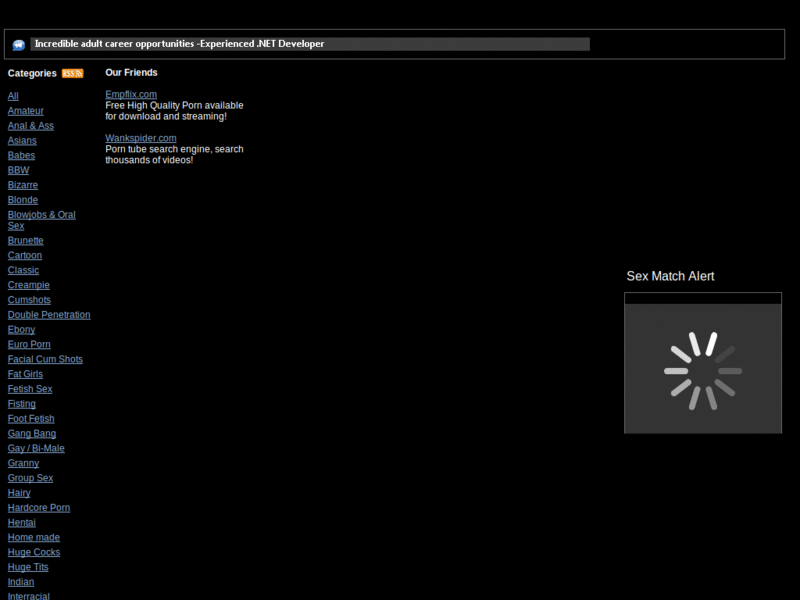
Enable and disable on will since it breaks main pages. Meant for use just on video pages, too many urls to account for all of them, so I simply applied to entire domain.
So simply disable when browsing and then enable when ready to watch, could not be easier.
April 28th, 2011
- hides "HD Videos"
April 25th, 2011
- fixed
April 9th, 2011
- hides "Sponsored Video From"
April 3rd, 2011
- hides Comments "Java-Script Drop-Down Menu"
- hides "Misplaced Video Thumbnails
- hides "Clickable Background Ads"
December 28, 2010
- fixed (removes missed iframe, and network header)
October 27, 2010
- fixed black background
- hides youtube footer ad
September 21, 2010
- fixed again, enjoy
December 14, 2009
- fixed
August 1, 2009
- Hides "IE 8 Warning"
July 18, 2009
- Hides "Job Advertisement"
June 20, 2009
- Hides "Video Hosted By StartStream.com Ad" under the video
February 2, 2009
- Hides "Beta Tnaflix embedding" under the video
December 29, 2008
- original release
*/
Enable and disable on will since it breaks main pages. Meant for use just on video pages, too many urls to account for all of them, so I simply applied to entire domain.
So simply disable when browsing and then enable when ready to watch, could not be easier.
Feedback
Discussions
No discussions posted yet. Be the first to ask a question or review this style.